
YOU
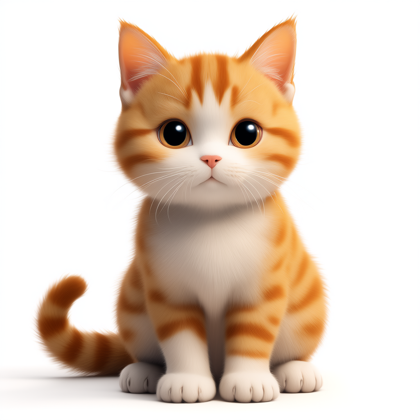
"Make my orange cat, a little sassy, call it Dumpling"
The AI thinks it through as you chat.
It asks, suggests, remembers every change, and reads back the full spec to confirm — what you see is what you get.
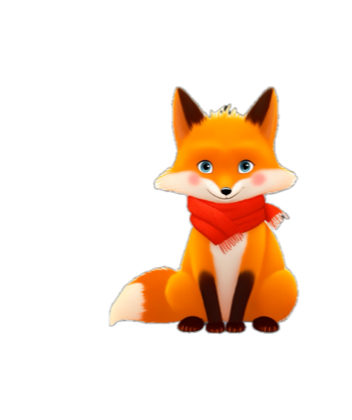
Upload a photo, or just chat a few lines — AI draws it into a pet that moves, with a personality, a voice, and memories of you. Any species, any style, only yours.
WhalePet-latest.dmgFree installmacOS 13+
Talk it into being
Other tools hand you dropdowns. Here you just say it: how it looks, its personality, its name. Change your mind and it changes on the spot. A few minutes later it's on your desktop.
YOU
"Make my orange cat, a little sassy, call it Dumpling"
It asks, suggests, remembers every change, and reads back the full spec to confirm — what you see is what you get.
ALIVE
It's done, and it opens its eyes
Not a sticker. A full set of motions, its own voice you can clone, and memories that grow the more you're together.
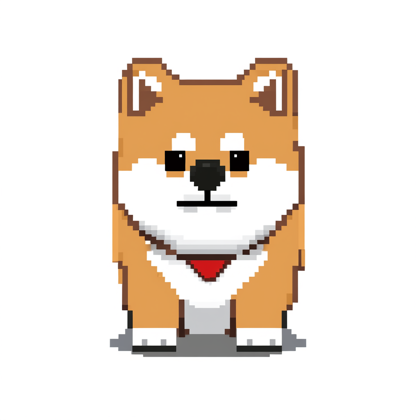
Anime, pixel, realistic, ink, chibi, 3D — you describe it, it follows, no templates.
It's beside you while you code: happy when a run finishes, surfacing when an agent needs you, and just breathing, idling, taking the odd stroll when things are quiet.
Like a pet someone made? Adopt it onto your desktop from the index in one tap — the creator earns a share.